 Split Duo
Two people, no group
Share one invite code and you're set. No members to manage, no picking who's on each expense — it's always the two of you.
Made for exactly two
Groceries, rent, dinner, the vet. Split Duo keeps the two of you even — without a group chat, a spreadsheet, or any math in your head.
Free · iPhone & iPad (iOS 16.4+) · Android & desktop in any browser
Why it's different
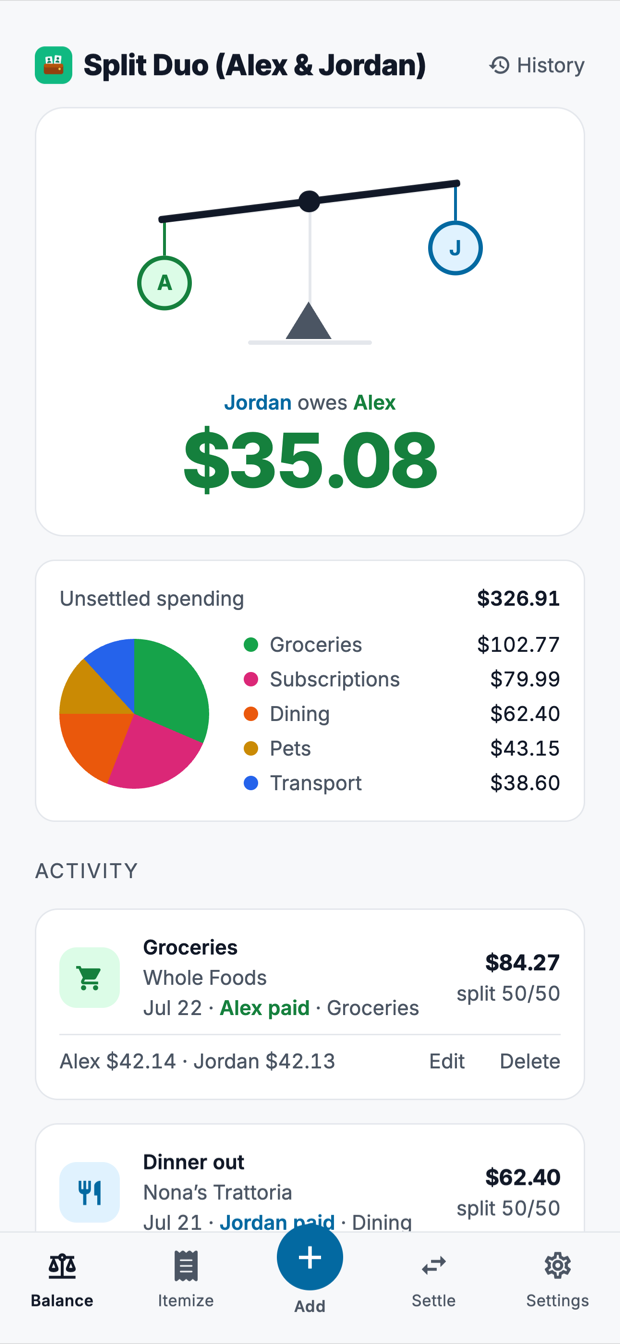
Split Duo starts where you actually are: you, one other person, and a running total between you. Nothing to set up but a name.
Share one invite code and you're set. No members to manage, no picking who's on each expense — it's always the two of you.
50/50 unless you say otherwise. Drag to any share and Split Duo hands the odd penny to one of you, so the two halves always add back to the total.
Whatever either of you adds lands on both phones. Open the app and the first thing you see is who owes who, and how much.
Add it
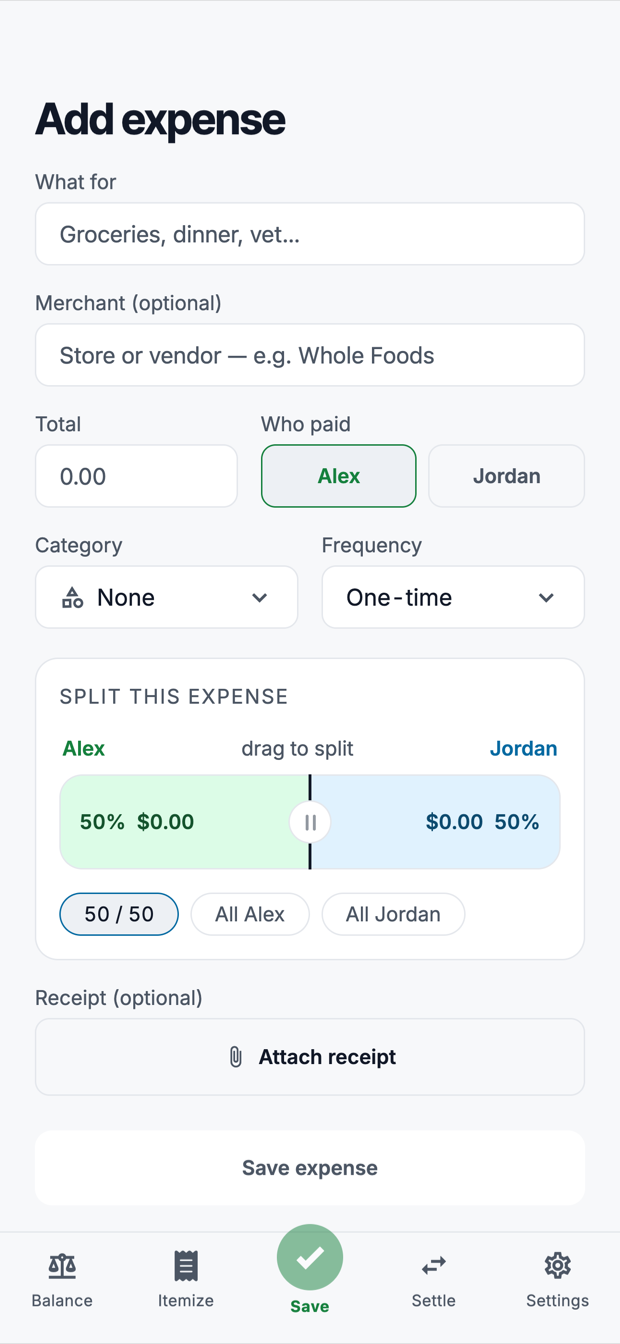
What it was, who paid, how you're splitting it. Rent, internet and streaming can repeat on their own each month, so the standing costs stop needing you at all.
Scan it
Point the camera at a receipt and Split Duo reads back the items. Tap each one to put it on you, on them, or down the middle — for the grocery run where half the cart is theirs.
No camera to hand? Forward the email instead. Your household gets a private address, and an order confirmation or a restaurant receipt sent there turns up on your balance with the merchant, total and date already filled in — for you to check and split, never added on its own. Either way, having AI read a receipt costs one credit.
Settle it
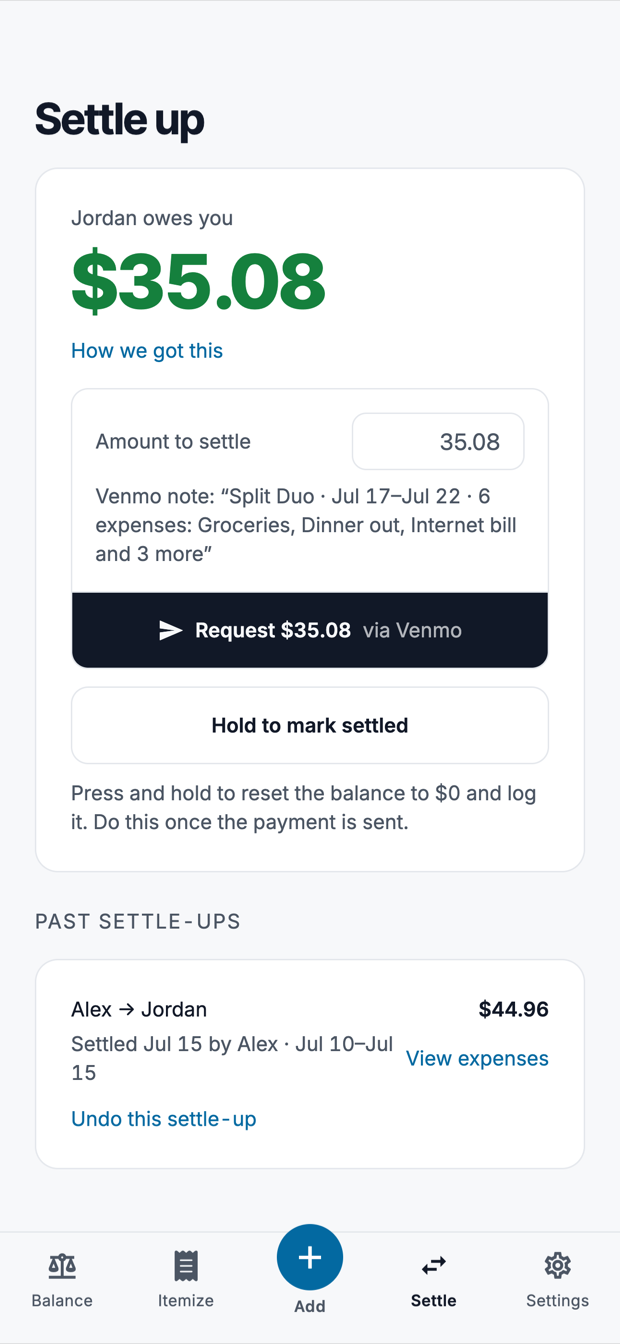
Ask for exactly what you're owed on Venmo, with the note already written. Mark it settled in full or in part — and undo it if you both paid at once.
See it
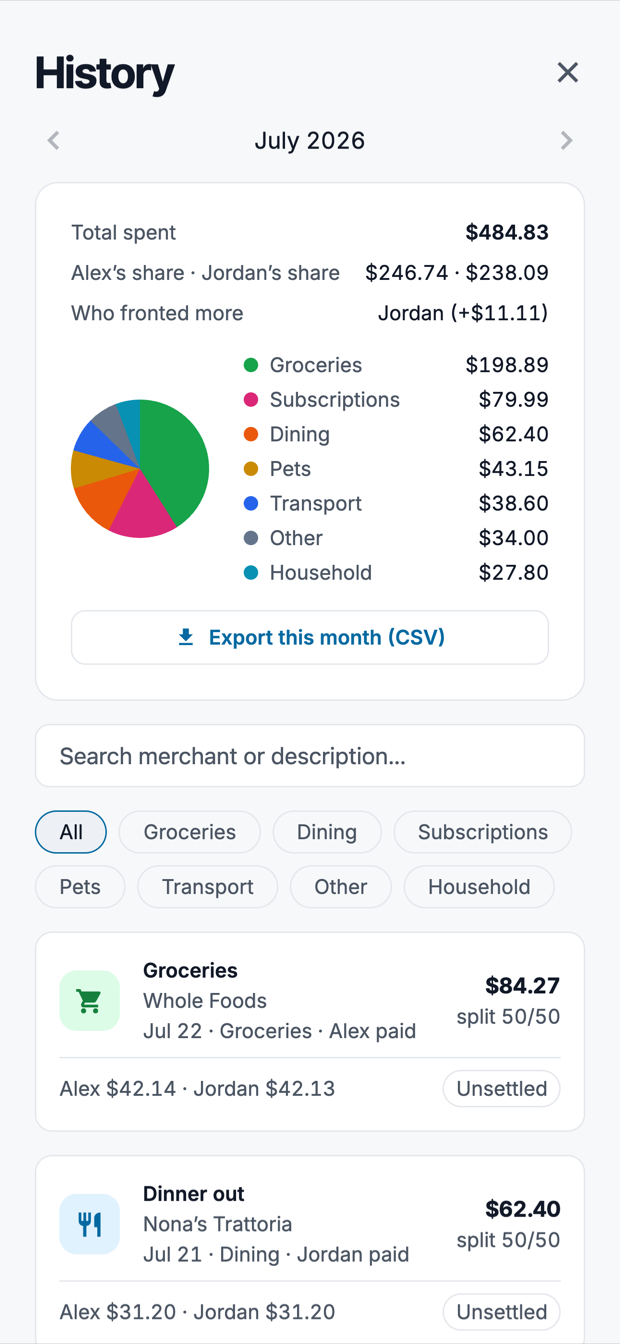
Any month, broken out by category, with both of your shares side by side. Search the whole history by merchant, and take a month with you as a CSV.
Try the split
Free, and then optional
Splitting, settling up, receipt photos, profile photos and your full history are free for as long as you want them — including your first 10 Intelligence Credits. A credit is what it costs to have AI read one receipt, whether you photograph it or email it in, and they are shared with your household. Run out and you can buy 50 more for $2.99, or 200 for $9.99 — they never expire and never renew.
Pro is separate, and separate on purpose: a single purchase, not a subscription, for the people who use the app hard enough to want the rest of it.
Split Duo Pro
Free on the App Store. Or open the demo in your browser — it needs no account.